
How to Install P77 APK on Android
Because real-money gaming apps aren't distributed through the Google Play Store, the P77 India app is installed on Android as an APK file that you download directly from the official website. This is completely normal for this category of app — but it does mean you should follow a few safe steps and always know exactly where your download came from. This complete P77 APK install guide walks you through the requirements, every step of the installation, the permissions the app asks for and why, a troubleshooting section for the errors people hit most, and what iPhone and iPad users should do instead. P77 India is for players aged 18 and above only.
Quick summary (TL;DR)
Download the P77 APK only from the official website, enable "Install unknown apps" for your browser when prompted, open the downloaded file and tap Install, then launch and register. You'll need Android 6.0+ and about 100 MB free. On iOS there is no APK — check the App Store or use the mobile web version. Never install an APK from a forwarded file or a random "mirror" site.
In this guide
Before you start — requirements
A quick check now saves a failed install later. Make sure your device and connection meet these basics before you download.
| Requirement | Recommended | Why it matters |
|---|---|---|
| Android version | 6.0 (Marshmallow) or newer | Older versions may not support the app |
| Free storage | ~100 MB, plus room for updates | The APK plus game data needs space to install and run |
| Internet | Stable Wi-Fi or mobile data | For a clean download and smooth live gameplay |
| Source | Official P77 India website only | Guarantees the file is genuine and untampered |
Step-by-step installation
Download the APK from the official site
Open the P77 India download page in your mobile browser and tap the download button. Only ever download the APK from the official website — never from random links, forwarded files, or third-party "mirror" sites.
Enable "Install unknown apps"
When you open the file, Android may warn that your browser isn't allowed to install apps. Tap Settings from that prompt, then toggle on "Allow from this source" (also called "Install unknown apps") for your browser. On older devices this setting is called "Unknown sources" under Security.
Open the downloaded file
Find the APK in your Downloads notification or in your file manager, and tap it to begin.
Install
Tap "Install" and wait a few seconds for the process to finish. Android may run a quick security scan before completing.
Launch and register
Tap "Open", then create your account with your mobile number and complete the OTP verification to start playing.
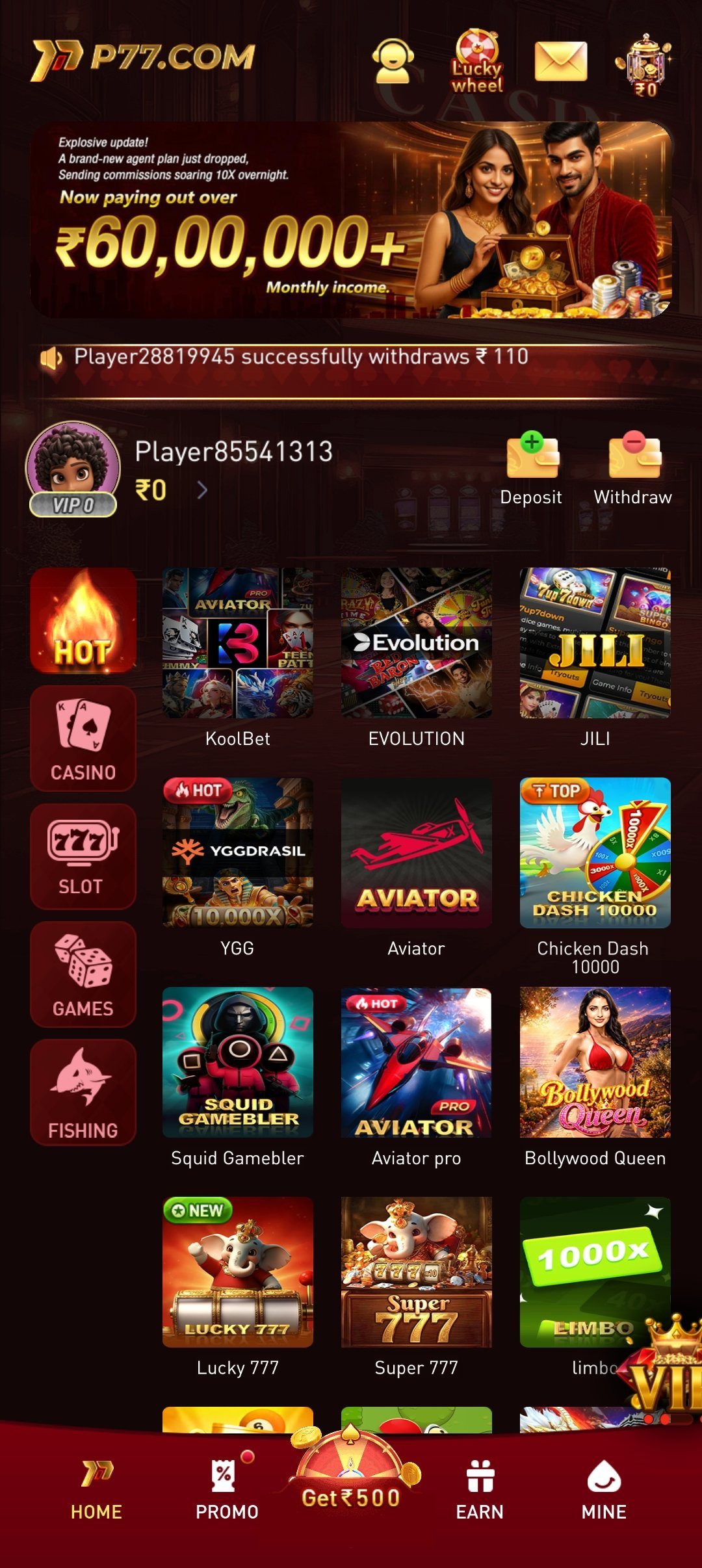
Download from the official source only
Unofficial "mod" or "mirror" APKs can be tampered with or bundled with malware that steals your data or money. If a file didn't come from the official P77 India website, do not install it — no exceptions.
Golden rule: the only safe place to get the P77 APK is the official website. If a file comes from anywhere else, don't install it — it could be tampered with.
Safety notes
- 🔒
Official source only
Downloading from unofficial sites risks fake or malware-infected apps. Bookmark the official page.
- 🔄
Keep the app updated
Install updates when prompted so you always have the latest security fixes and features.
- 🔍
Review permissions
Check what the app requests and make sure each permission makes sense for a gaming app.
- 🛡️
Re-lock your device
Turn "Install unknown apps" back off after installing if you prefer to keep the setting disabled.
Permissions explained
Modern Android grants permissions individually, and you can usually decline anything that isn't essential. Here's what a gaming app like P77 might ask for and why.
- Storage / files: to save the app data, cache game assets, and store downloads or receipts.
- Notifications: to alert you about promotions, deposit/withdrawal updates and account activity — optional, and easy to turn off.
- Camera (only if used): some KYC flows let you photograph documents directly; you'll only be asked when needed.
- Network access: required for live games, deposits and withdrawals to work.
If a permission request ever looks unrelated to gaming, decline it and check that you're on the official app.
Keeping the app updated
Because the app updates outside the Play Store, it will usually prompt you in-app when a new version is available. Accept updates promptly — they carry security patches, bug fixes, and new games or features. If you ever reinstall, always return to the official download page for the latest APK rather than reusing an old file you saved.
Troubleshooting
Most install hiccups have quick fixes. Match your symptom to the solution below.
| Problem | Likely cause & fix |
|---|---|
| "Install blocked" | "Install unknown apps" isn't enabled for your browser or file manager. Enable it from the prompt or in Settings → Apps → Special access. |
| "Not enough storage" | Free up space — clear cache, remove unused apps or media — then retry. You need roughly 100 MB plus headroom. |
| "App not installed" | Usually a partial or corrupted download, or a leftover old version. Delete the APK, uninstall any previous copy, re-download from the official site and try again. |
| App won't open after install | Restart your phone, ensure Android is 6.0+, and confirm you have a stable connection. Reinstall the latest official APK if it persists. |
| Download keeps failing | Switch between Wi-Fi and mobile data, check your storage, and make sure the browser is allowed to download files. |
Using an iPhone or iPad?
APK files are Android-only, so on iOS you should not look for or try to install an APK. Instead, check whether a P77 India app is available on the Apple App Store, or use the mobile-web version in Safari. The official download page will point iOS users to the right option for their device. Never sideload iOS profiles or apps from unofficial sources.
Key takeaways
- ✅
Official source, always
The only safe APK is the one from the official P77 India website.
- ✅
Enable, install, re-lock
Allow unknown apps for your browser, install, then disable the setting again if you like.
- ✅
Meet the basics
Android 6.0+, ~100 MB free, and a stable connection prevent most errors.
- ✅
iOS is different
No APKs on iPhone/iPad — use the App Store or mobile web.
Frequently asked questions
Is it safe to install the P77 APK?
Yes, when you download it from the official P77 India website. Sideloading is normal for real-money gaming apps. The risk comes only from unofficial "mirror" or "mod" files, which you should never install.
Why isn't the P77 app on the Google Play Store?
Real-money gaming apps generally aren't distributed through the Play Store due to its policies, so they're offered as a direct APK download from the official site instead.
What does "Install unknown apps" mean?
It's an Android permission that lets a specific app (like your browser) install an APK. You enable it for the browser you downloaded with, then can turn it off again after installing.
It says "App not installed" — what do I do?
This usually means a corrupted download or a conflicting older version. Delete the APK, uninstall any previous copy, re-download from the official site, and install again.
How do I update the app?
The app prompts you in-app when an update is ready. Accept it promptly for the latest security fixes and features. If reinstalling, always get the newest APK from the official download page.
Can I install P77 on an iPhone?
Not via APK — those are Android-only. On iOS, check the Apple App Store or use the mobile-web version in Safari, as directed on the official download page.
Play responsibly — 18+
Once installed, play within your budget, take regular breaks, and use the in-app responsible-gaming limits and self-exclusion tools whenever you need them. Real-money play carries a genuine risk of loss and is strictly for adults aged 18 and over. If gambling is affecting you, call the iCall helpline on 9152987821.
Get the P77 India app
Download the latest official APK for Android, or find the right option for your device — safely, from the official page.